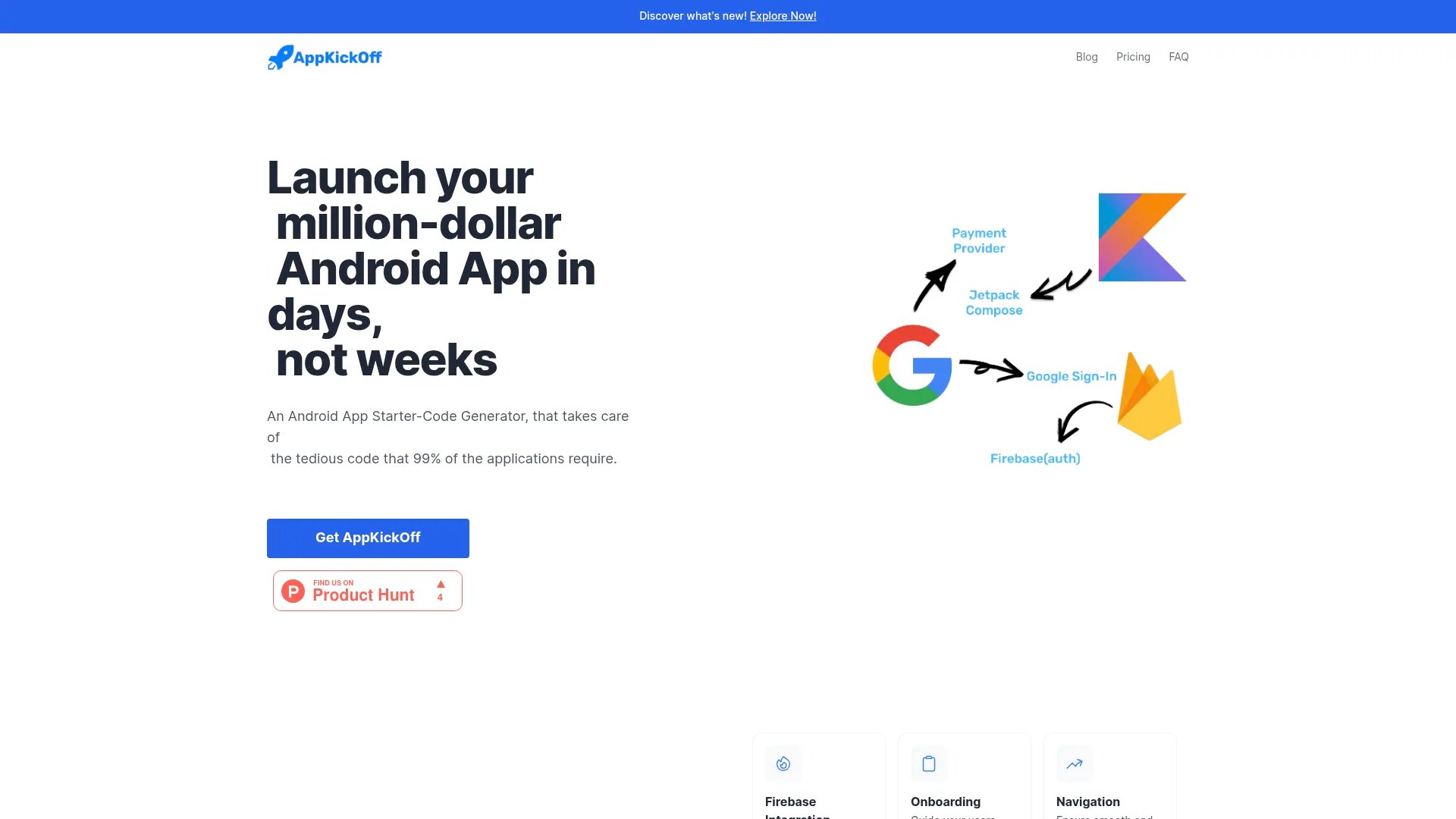
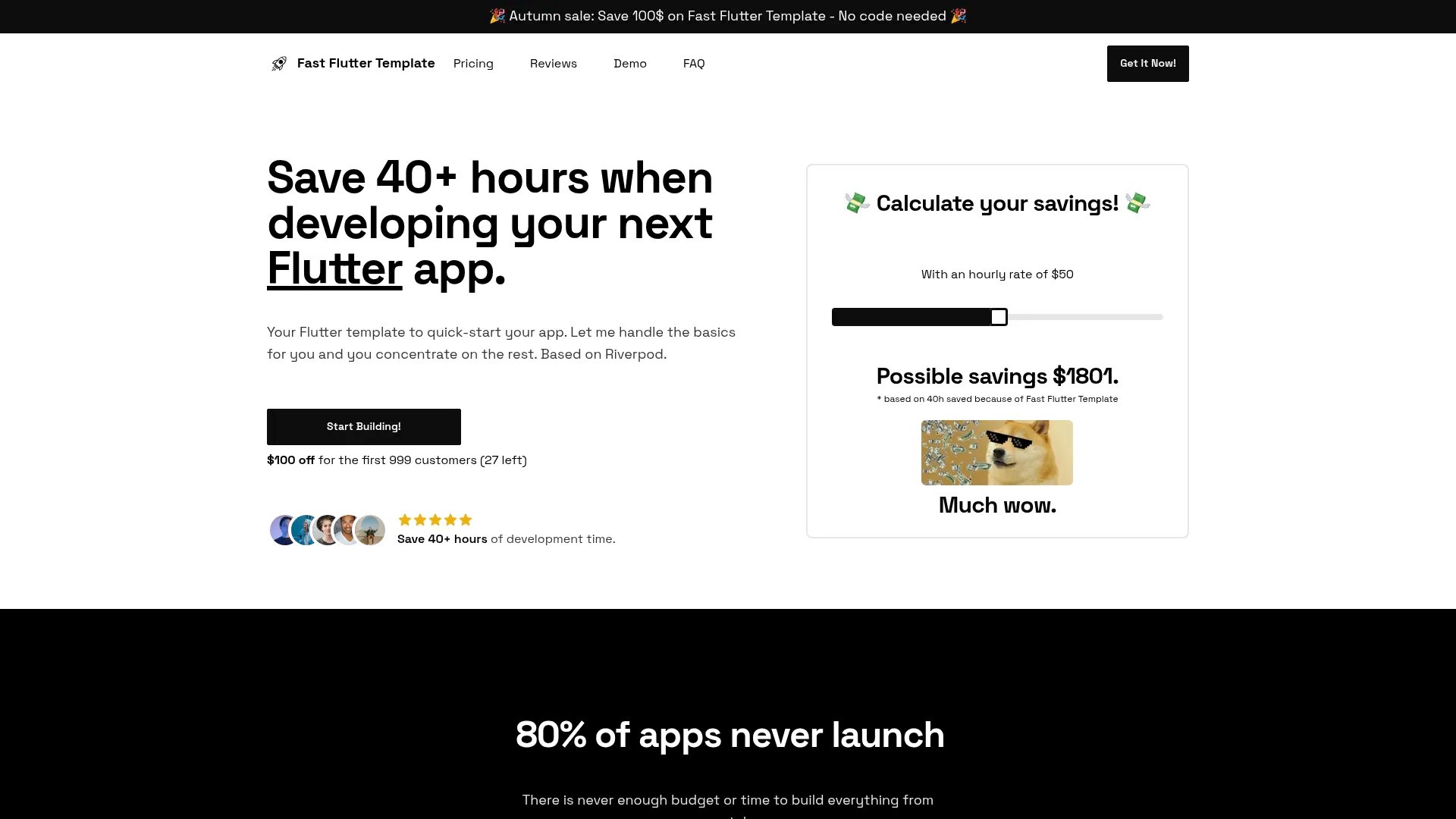
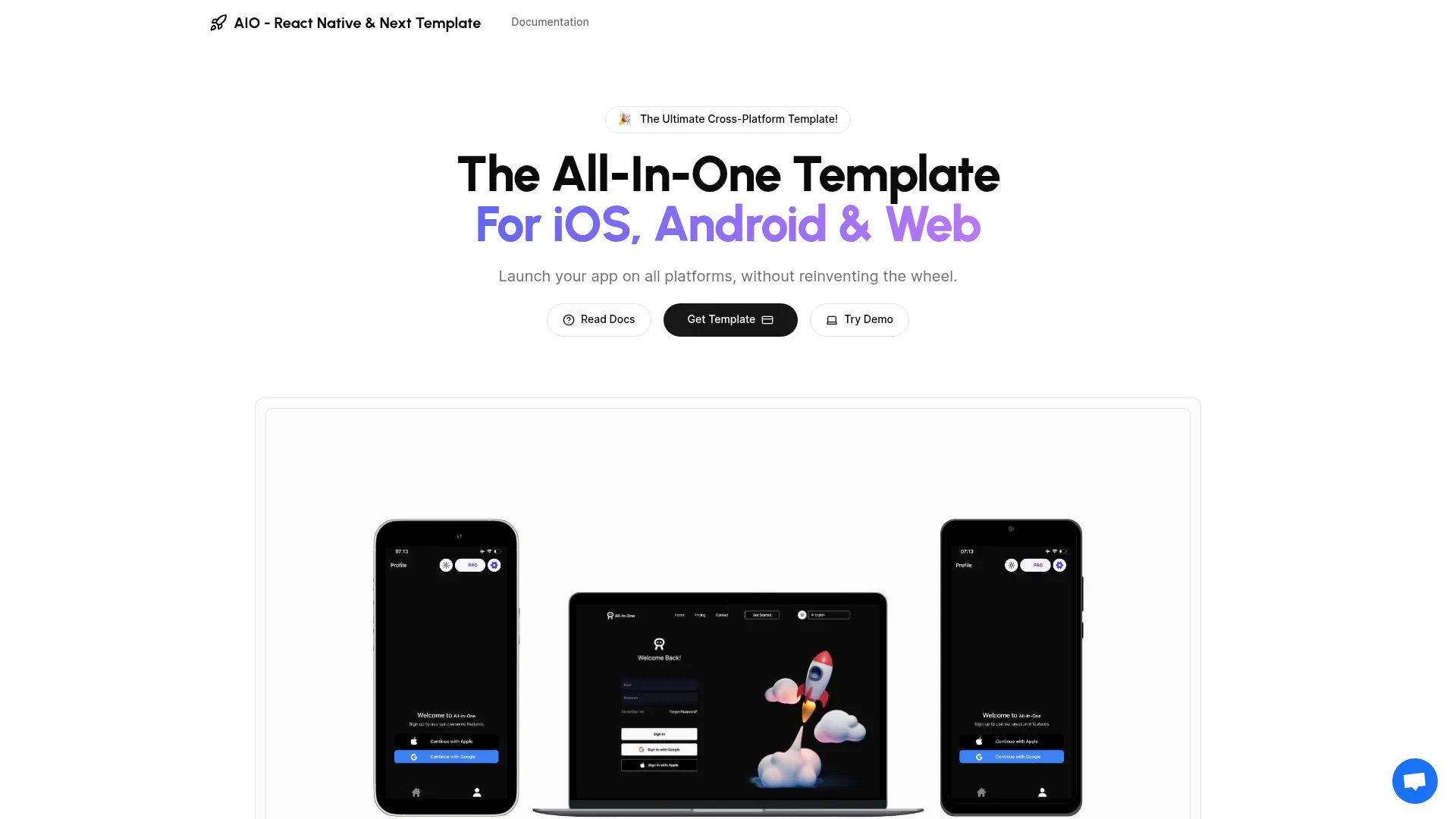
Launch your million-dollar Android App in days, not weeks
AppKickOff is an Android App Starter-Code Generator that takes care of the tedious code that 99% of applications require. It's designed to help developers focus on core features rather than spending time on repetitive setup tasks.
Key Benefits
Rapid development from idea to production in minutes
Complete boilerplate code for essential app functionalities
Pay once, build unlimited apps
Lifetime updates and continuous improvements
Available Plans
ProPlan ($199): Complete package with all features
StarterPlan ($169): Essential features to get started
AppKickOff helps you build and ship your Android app in days or even hours instead of weeks.
Java excels in SaaS development due to its robust ecosystem, strong typing capabilities, and excellent library support. Java boilerplates leverage language-specific features to provide type-safe database queries, efficient API routing, and optimized runtime performance. The language's maturity means you get battle-tested packages for authentication, payment processing, and background jobs that integrate seamlessly.
Kotlin
What makes Kotlin ideal for SaaS development?
Kotlin excels in SaaS development due to its robust ecosystem, strong typing capabilities, and excellent library support. Kotlin boilerplates leverage language-specific features to provide type-safe database queries, efficient API routing, and optimized runtime performance. The language's maturity means you get battle-tested packages for authentication, payment processing, and background jobs that integrate seamlessly.
Android
What Android-specific architecture patterns are implemented?
Android boilerplates leverage the framework's native architecture patterns including its routing system, middleware pipeline, and controller/handler structure. They implement Android's conventions for separating concerns, dependency injection, and service layer patterns. The codebase follows Android's best practices for organizing models, views/components, and business logic to ensure maintainability as your application grows.
Android UI
What Android UI-specific component architecture is used?
Android UI boilerplates follow the framework's component composition patterns with reusable, atomic design components. They implement Android UI's best practices for component structure, props handling, event management, and lifecycle methods. The component library includes authentication flows, dashboards, data tables, forms with validation, and navigation—all built with Android UI's native features like hooks (React), composition API (Vue), or directives (Angular).
Firestore
What Firestore-specific features are leveraged in these boilerplates?
Firestore boilerplates utilize the database's native capabilities including its transaction model (ACID for SQL, eventual consistency for NoSQL), indexing strategies (B-tree, GiST, full-text search), and advanced features like JSON columns, array types, window functions, or document queries. The schema design takes advantage of Firestore's strengths—whether that's PostgreSQL's JSONB, MySQL's full-text search, MongoDB's aggregation pipeline, or Redis's data structures.
In-App Purchases
What In-App Purchases API features are implemented?
In-App Purchases boilerplates implement the provider's complete API suite including checkout sessions, subscription lifecycle management, customer portal, webhook event handling, and invoice generation. They use In-App Purchases's latest API version with proper error handling, idempotency keys, and retry logic. The integration includes In-App Purchases-specific features like payment intents, setup intents, subscription schedules, and tax calculation APIs.
Java
What Java-specific tools and libraries are included?
Java boilerplates include the language's most popular and production-proven tools. This typically includes testing frameworks, linters, formatters, build tools, and package managers specific to Java. You'll get pre-configured toolchains that enforce best practices, automated testing pipelines, and development environments optimized for Java development workflows.
Kotlin
What Kotlin-specific tools and libraries are included?
Kotlin boilerplates include the language's most popular and production-proven tools. This typically includes testing frameworks, linters, formatters, build tools, and package managers specific to Kotlin. You'll get pre-configured toolchains that enforce best practices, automated testing pipelines, and development environments optimized for Kotlin development workflows.
Android
How does Android's ORM/database layer work in these boilerplates?
Android boilerplates use the framework's native ORM or query builder (Prisma, Eloquent, Active Record, SQLAlchemy, etc.) with pre-configured models for users, subscriptions, teams, and common SaaS entities. They include optimized queries, relationships, migrations, seeders, and database connection pooling. The implementation leverages Android's specific features like eager loading, query scopes, and transaction handling for performance.
Android UI
How is state management handled in Android UI boilerplates?
Android UI boilerplates use the framework's recommended state management approach—whether that's React Context + hooks, Redux Toolkit, Zustand, Pinia (Vue), NgRx (Angular), or Svelte stores. They include pre-configured state slices for authentication, user data, subscriptions, and UI state with proper TypeScript typing. The implementation follows Android UI's patterns for global state, local component state, and server state synchronization.
Firestore
How is the Firestore schema designed for SaaS applications?
Firestore boilerplates include production-tested schemas for multi-tenancy, user management, subscriptions, and billing. The design follows Firestore's best practices for data modeling—whether that's normalized tables with foreign keys (SQL), embedded documents vs. references (MongoDB), or partition key strategies (DynamoDB). Schemas include proper constraints, default values, and relationship management optimized for Firestore's query engine.
In-App Purchases
How are In-App Purchases webhooks handled securely?
In-App Purchases webhooks are verified using the provider's signature validation to prevent spoofing attacks. The boilerplate includes webhook endpoints with proper In-App Purchases signature verification, event type filtering, and idempotent event processing to handle duplicate deliveries. Events are processed asynchronously with retry logic, and the implementation handles In-App Purchases's specific webhook events like subscription updates, payment failures, and customer changes.