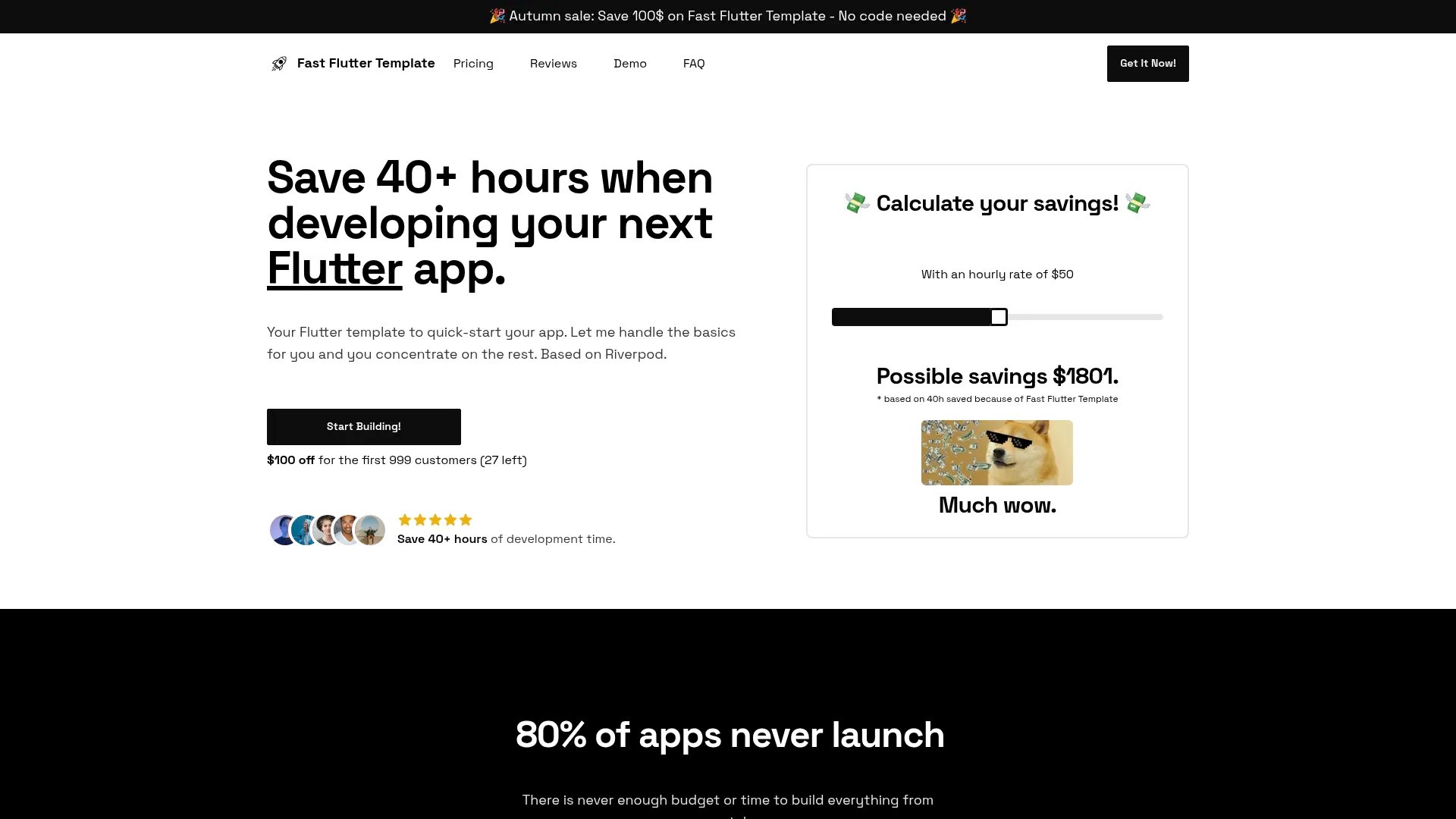
$179
Fast Flutter Template
Your Flutter template to quick-start your app development
Dart
Flutter
Firestore
Hive
RevenueCat
Firebase
Flutter
Riverpod
Features:
Auth
CI/CD
Dark Mode
i18n
IAP
Navigation
Notifications
+4 more
Explore 4 boilerplates in this collection. Find the perfect starting point for your next project.
Your Flutter template to quick-start your app development
Features:
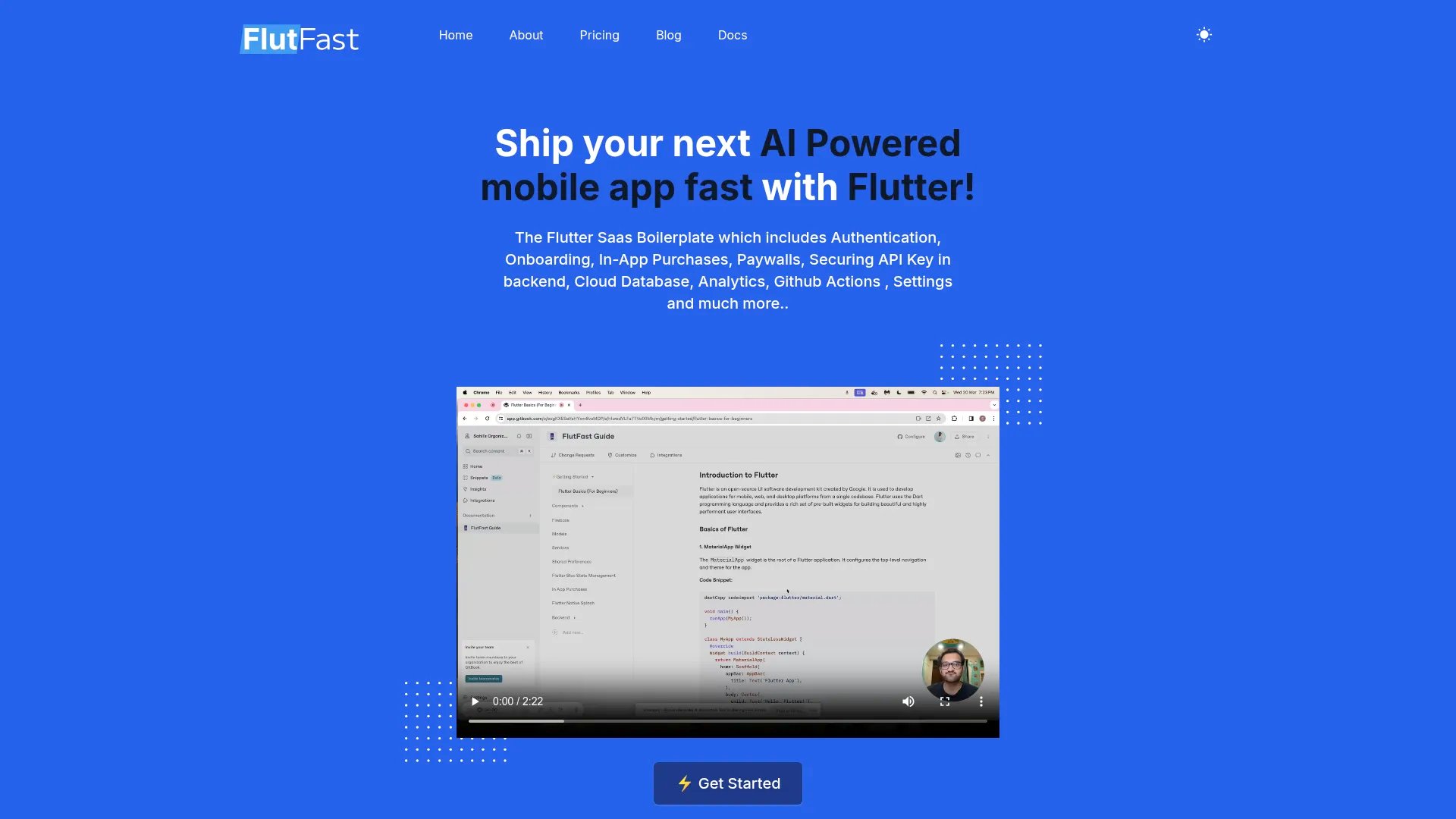
Flutter SaaS Boilerplate with authentication, onboarding, in-app purchases, AI integration, and more
Features:
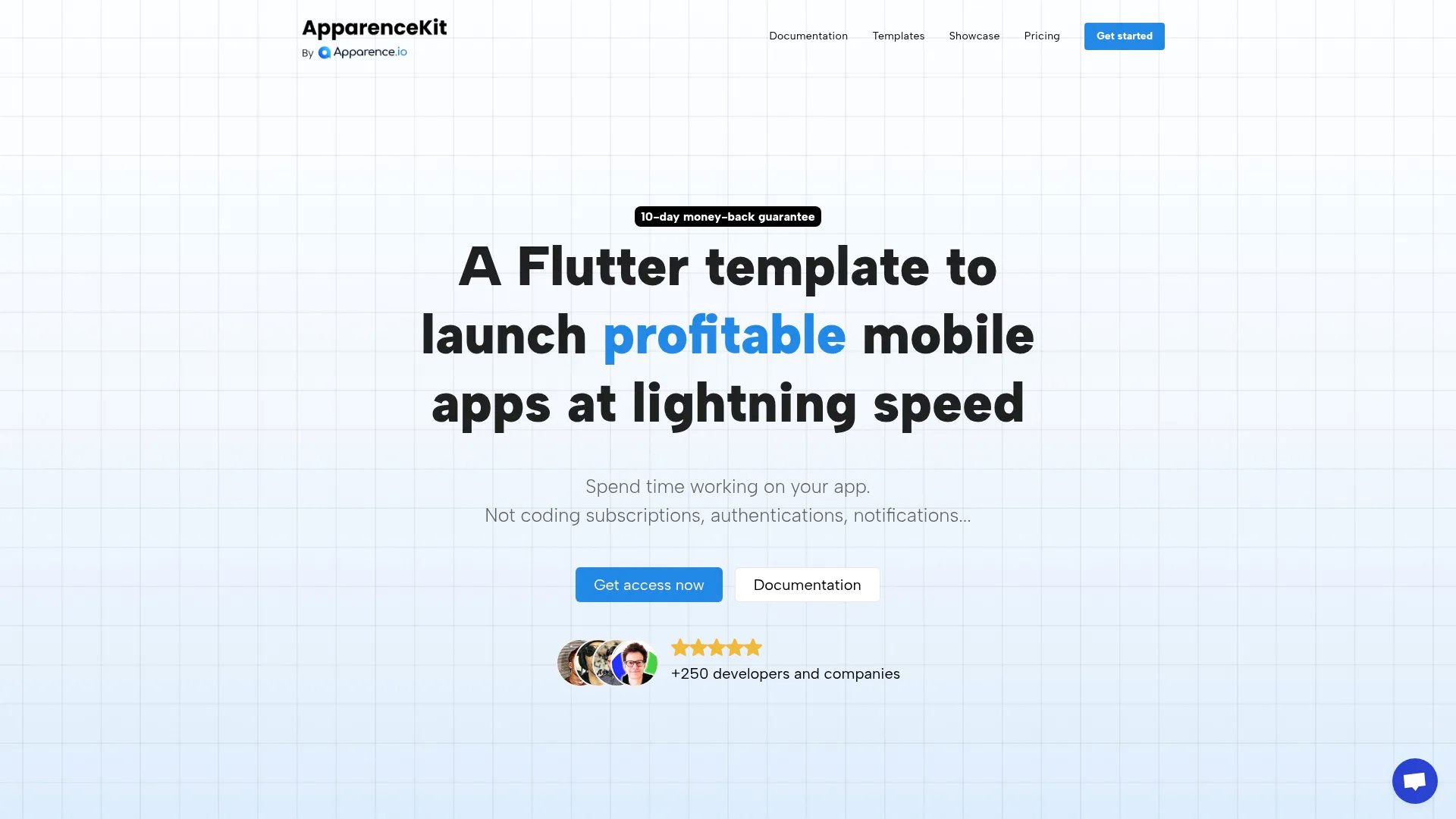
A Flutter template to launch profitable mobile apps at lightning speed
Features:
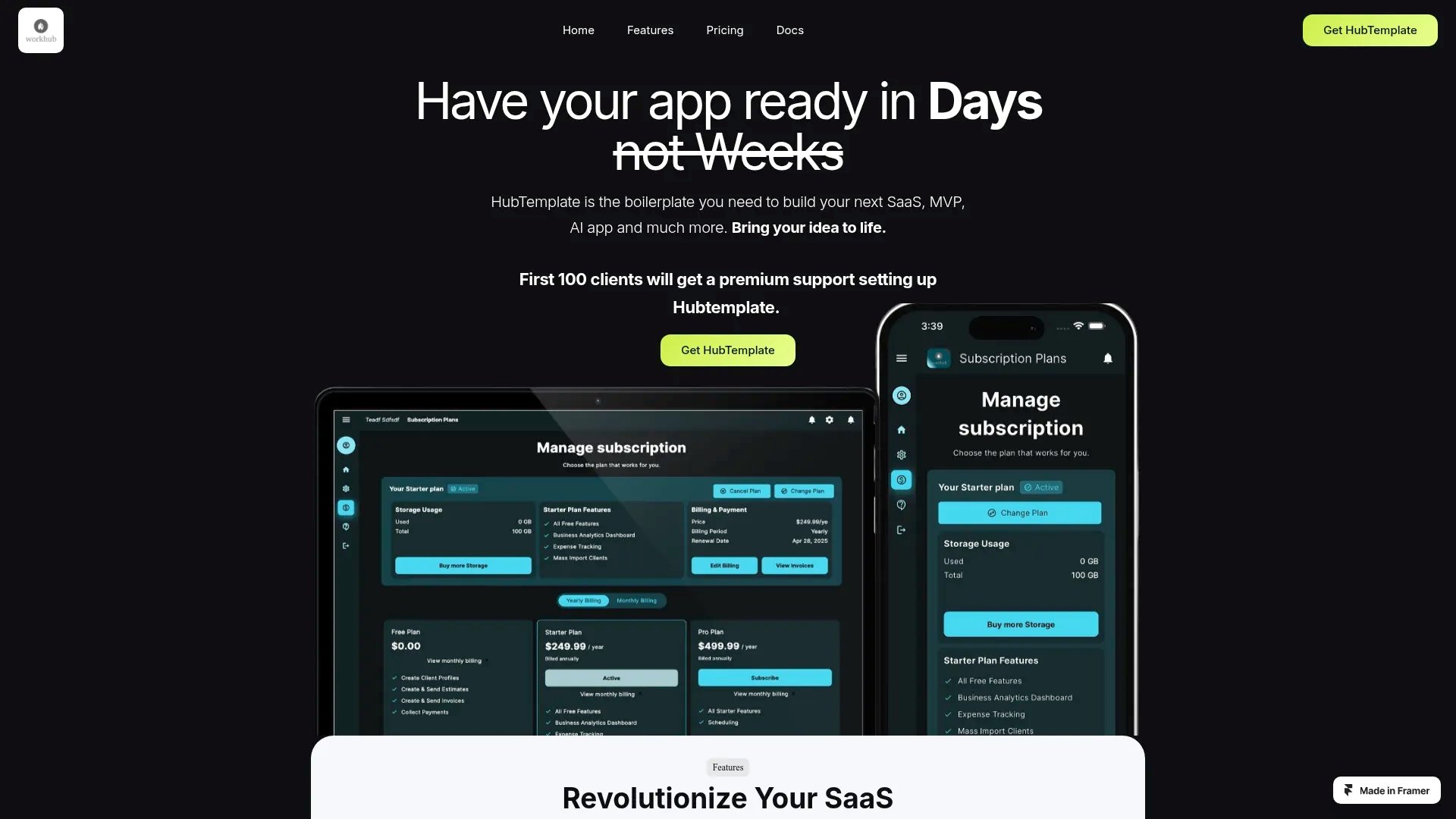
Flutter boilerplate for building SaaS, MVPs, and AI applications quickly
Features:
Flutter offers a powerful component-based architecture with reactive state management and optimized rendering for building modern SaaS interfaces. Our Flutter boilerplates implement the framework's component patterns—from hooks and lifecycle methods to state management solutions—providing a UI foundation that leverages Flutter's performance optimizations and developer ergonomics.
Flutter boilerplates implement the framework's component architecture with reusable atomic components following Flutter's best practices. They integrate Flutter-native state management (Context API, Redux, Pinia, NgRx) with typed state slices, leverage Flutter's performance APIs (memoization, lazy loading, code splitting), and include Flutter-optimized styling solutions (CSS Modules, styled-components, scoped styles). The component hierarchy follows Flutter's patterns for maximum reusability.
Browse our collection of 4 Flutter boilerplates to find the perfect starting point for your next SaaS project. Each boilerplate has been carefully reviewed to ensure quality, security, and production-readiness.
Flutter boilerplates follow the framework's component composition patterns with reusable, atomic design components. They implement Flutter's best practices for component structure, props handling, event management, and lifecycle methods. The component library includes authentication flows, dashboards, data tables, forms with validation, and navigation—all built with Flutter's native features like hooks (React), composition API (Vue), or directives (Angular).
Flutter boilerplates use the framework's recommended state management approach—whether that's React Context + hooks, Redux Toolkit, Zustand, Pinia (Vue), NgRx (Angular), or Svelte stores. They include pre-configured state slices for authentication, user data, subscriptions, and UI state with proper TypeScript typing. The implementation follows Flutter's patterns for global state, local component state, and server state synchronization.
Flutter boilerplates typically use modern CSS-in-JS solutions or utility-first frameworks optimized for the framework. This includes Tailwind CSS, CSS Modules, styled-components, or Flutter's native styling features. The styling system includes a design system with consistent spacing, typography, colors, and breakpoints. All styles are optimized for Flutter's rendering pipeline with proper tree-shaking and production builds.
Flutter boilerplates implement framework-specific performance patterns including code splitting, lazy loading, image optimization, and bundle size reduction. They use Flutter's performance APIs like React.memo, useMemo, Vue's async components, or Angular's OnPush change detection. The build configuration includes tree-shaking, minification, and production optimizations specific to Flutter's toolchain.
Flutter boilerplates follow WCAG 2.1 AA standards with proper semantic HTML, ARIA labels, keyboard navigation, and focus management using Flutter's accessibility features. Components include proper roles, labels, and announcements for screen readers. The implementation leverages Flutter's a11y tooling and testing utilities to ensure forms, modals, and interactive elements are fully accessible.